
Explore samples and community routes
Find a starting point, inspect its stops, and make a route your own.
Find a sample itinerary
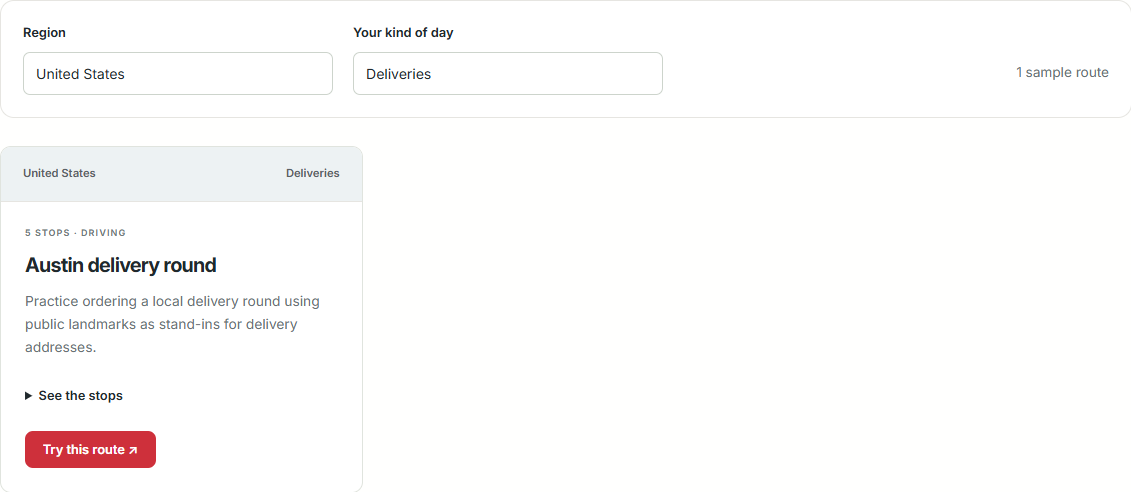
Open Sample routes and filter by region or kind of day. The library includes US examples plus UK and European routes.
- Choose a region and route type, or leave both filters on their All options.
- Select See the stops on a card to expand the address list.
- Select Try this route to open those stops in the route preview.
- Review or change the stops and calculate directions.
Examples open with their travel mode and distance unit. Lisbon, for example, opens as a walking route in kilometers. Sample routes are curated examples rather than customer trips or verified tours.
Browse shared journeys
Community contains saved journeys people have made public. Use its search, filters, and sorting controls to find routes, then open one to read its stops and description.
When signed in, you can use the available favorite, completed, comment, and other interaction controls. Some secondary actions are grouped under an expandable menu.
Make your own copy
On another person’s public saved journey, use Copy Route while signed in to create a copy in your account. Edit and save your copy from My Journeys; this does not change the original route.
The curated Sample routes page opens standalone previews, so it uses a different workflow from copying a saved Community journey. To keep your own version of a curated example, enter its stops in your personal Route Planner and save the calculated result.
Check what suits your day
Descriptions and addresses are starting points. Confirm opening hours, reservations, access, and travel conditions. Public landmarks in delivery and errands examples stand in for your own stops; they are not actual customer addresses.
Something still unclear? Get in touch or try troubleshooting.